Modern JavaScript applications are becoming increasingly complex. Whether you are building scalable React applications, backend APIs, Web3 applications, or enterprise-level systems, writing safe and maintainable code is critical.
This is where TypeScript becomes one of the most valuable tools for developers.
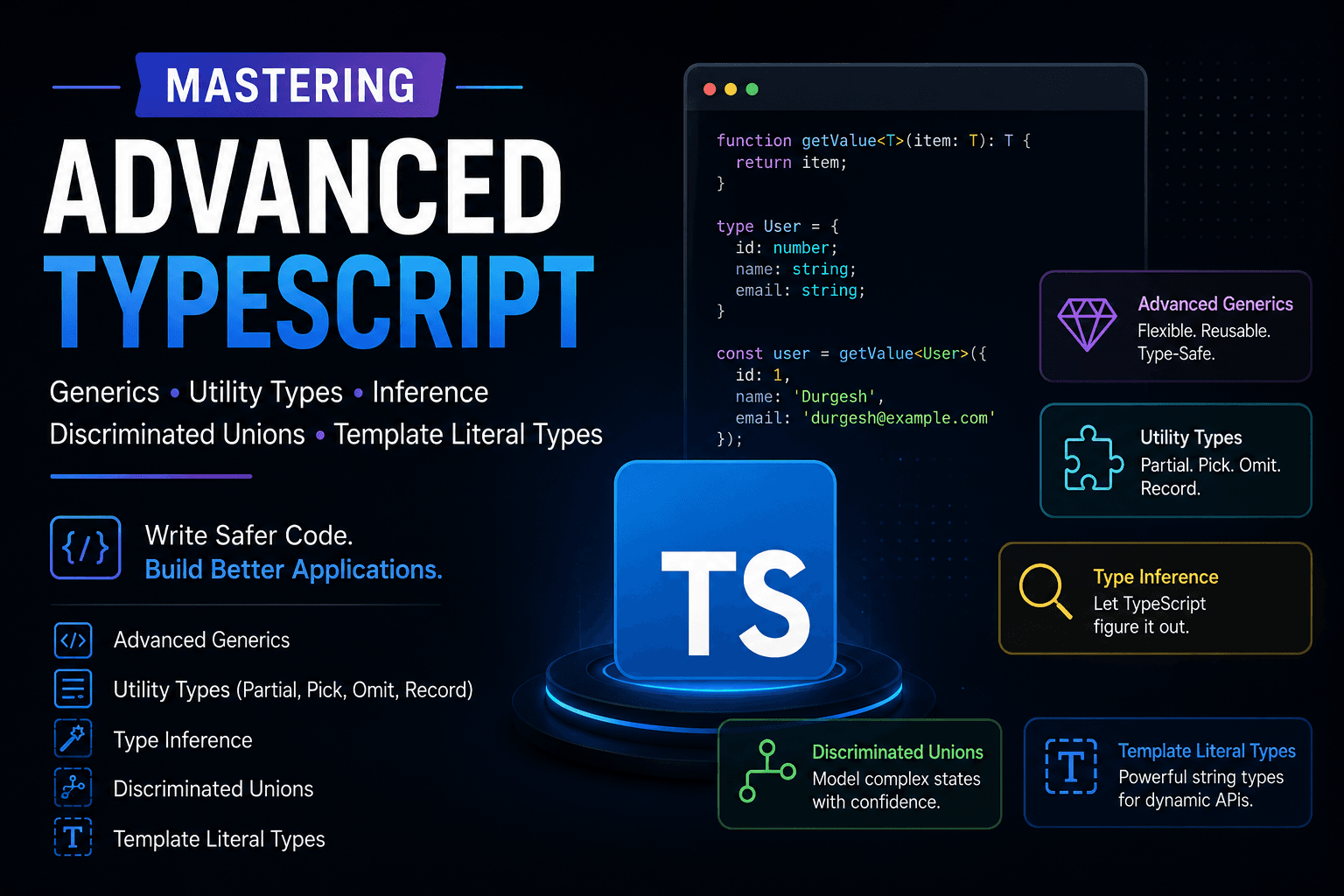
However, most developers only learn basic TypeScript and stop there. Real-world applications and technical interviews require a deeper understanding of advanced TypeScript concepts such as:
- Advanced Generics
- Utility Types
- Type Inference
- Discriminated Unions
- Template Literal Types
In this guide, we will learn these concepts from both:
- Interview Perspective
- Real-World Development Perspective
Why Advanced TypeScript Matters
Advanced TypeScript improves:
- Code maintainability
- Type safety
- Scalability
- Developer productivity
- Refactoring experience
- IntelliSense support
- API reliability
Companies ask advanced TypeScript questions because they want developers who can build scalable applications without introducing runtime bugs.
These concepts are heavily used in:
- React
- Next.js
- Node.js
- Express
- AdonisJS
- NestJS
- Web3 applications
- Enterprise backend systems
Part 1: Advanced Generics
What are Generics?
Generics allow us to write reusable and type-safe code that works with multiple data types.
Without generics:
function getData(data: string): string {
  return data;
}
This function only works with strings.
With generics:
function getData<T>(data: T): T {
  return data;
}
Now it works with any type while preserving type safety.
Basic Generic Example
function identity<T>(value: T): T {
  return value;
}

identity<string>("Hello");
identity<number>(100);
identity<boolean>(true);
TypeScript automatically infers the correct type.
Multiple Generic Types
function merge<T, U>(obj1: T, obj2: U): T & U {
  return {
    ...obj1,
    ...obj2,
  };
}

const user = merge({ name: "Durgesh" }, { age: 25 });
Result:
{
  name: "Durgesh",
  age: 25
}
Generic Constraints
Sometimes we want generics to accept only specific types.
function getLength<T extends { length: number }>(item: T) {
  return item.length;
}
Valid:
getLength("Hello");
getLength([1, 2, 3]);
Invalid:
getLength(10);Because numbers do not have a length property.
Real-World Backend Example
Generic API Response
interface ApiResponse<T> {
  success: boolean;
  data: T;
  message: string;
}

const response: ApiResponse<{ name: string }> = {
  success: true,
  data: {
    name: "Durgesh",
  },
  message: "User fetched successfully",
};
This pattern is widely used in backend APIs.
Interview Questions
Q1. Why use Generics instead of any?
| any | Generic |
|---|---|
| Loses type safety | Preserves type safety |
| No IntelliSense | Better IntelliSense |
| Runtime errors possible | Compile-time safety |
Q2. What are Generic Constraints?
Constraints restrict generics to specific types using the extends keyword.
Part 2: Utility Types
TypeScript provides built-in utility types that help transform existing types.
These are extremely important in production applications.
Partial<Type>
Makes all properties optional.
Example
interface User {
  name: string;
  email: string;
  age: number;
}

type PartialUser = Partial<User>;
Equivalent to:
{
  name?: string
  email?: string
  age?: number
}
Real-World Example
Update User API
function updateUser(id: string, data: Partial<User>) {
  // update logic
}
Frontend can now send only updated fields.
Pick<Type, Keys>
Selects specific properties from a type.
Example
interface User {
  id: string;
  name: string;
  email: string;
  password: string;
}

type PublicUser = Pick<User, "id" | "name" | "email">;
Real-World Example
Used for API response sanitization.
function getPublicUser(user: User): PublicUser {
  return {
    id: user.id,
    name: user.name,
    email: user.email,
  };
}
Omit<Type, Keys>
Removes specific properties.
Example
type SafeUser = Omit<User, "password">;Backend Example
function sanitizeUser(user: User): Omit<User, "password"> {
  const { password, ...rest } = user;
  return rest;
}
Record<Keys, Type>
Creates dynamic object types.
Example
type Roles = "admin" | "user" | "moderator";

const permissions: Record<Roles, boolean> = {
  admin: true,
  user: false,
  moderator: true,
};
Real-World Example
Environment Configuration
type Environment = "development" | "production" | "staging";

const apiUrls: Record<Environment, string> = {
  development: "localhost:3000",
  production: "api.production.com",
  staging: "staging.api.com",
};
Interview Questions
Q1. Difference between Pick and Omit?
| Pick | Omit |
|---|---|
| Selects fields | Removes fields |
Q2. Why is Partial useful?
Useful for update operations where all fields are not mandatory.
Part 3: Type Inference
What is Type Inference?
TypeScript automatically detects types without explicit type annotations.
Example
const username = "Durgesh";TypeScript infers:
const username: string;Function Return Type Inference
function add(a: number, b: number) {
  return a + b;
}
TypeScript automatically infers:
number;Array Inference
const numbers = [1, 2, 3];Inferred as:
number[]Why Type Inference Matters
Benefits:
- Less boilerplate code
- Cleaner syntax
- Better readability
- Strong type checking
Interview Question
Q. Can TypeScript always infer types correctly?
No.
Complex unions, APIs, or dynamic objects may require explicit type annotations.
Part 4: Discriminated Unions
What are Discriminated Unions?
Discriminated unions help TypeScript safely determine object types using a common property.
Example
type SuccessResponse = {
  status: "success";
  data: string;
};

type ErrorResponse = {
  status: "error";
  message: string;
};

type ApiResponse = SuccessResponse | ErrorResponse;
Safe Type Narrowing
function handleResponse(response: ApiResponse) {
  if (response.status === "success") {
    console.log(response.data);
  } else {
    console.log(response.message);
  }
}
TypeScript automatically understands the correct type based on status.
Real-World Example
Redux State Management
type LoadingState = {
  state: "loading";
};

type SuccessState = {
  state: "success";
  data: string[];
};

type ErrorState = {
  state: "error";
  error: string;
};

type AppState = LoadingState | SuccessState | ErrorState;
Why Developers Use Discriminated Unions
Benefits:
- Better type safety
- Prevents invalid property access
- Cleaner conditional logic
- Great for state management
Interview Question
Q. Why use discriminated unions?
They provide safe conditional type narrowing and reduce runtime errors.
Part 5: Template Literal Types
What are Template Literal Types?
Template literal types allow dynamic string generation with type safety.
Basic Example
type Direction = "top" | "bottom";

type Position = `${Direction}-left`;
Valid:
"top-left";
"bottom-left";
Invalid:
"center-left";API Route Example
type Route = `/api/${string}`;

const route: Route = "/api/users";
Event System Example
type EventName = "click" | "hover";

type EventHandler = `on${Capitalize<EventName>}`;
Result:
"onClick";
"onHover";
Real-World Use Cases
Template literal types are heavily used in:
- React component libraries
- Event systems
- Tailwind class typing
- Dynamic routes
- WebSocket events
- Permission systems
Advanced Example
type Crud = "create" | "update" | "delete";

type Entity = "user" | "post";

type Permission = `${Crud}:${Entity}`;
Valid values:
"create:user";
"update:post";
"delete:user";
Part 6: Real-World Development Perspective
Backend Development
Advanced TypeScript helps with:
- DTO validation
- API typing
- Database models
- Event systems
- Authentication systems
- Generic repositories
Example
type JwtPayload = {
  userId: string;
  role: "admin" | "user";
};
Frontend Development
Useful for:
- React props
- State management
- Dynamic forms
- Reusable hooks
- Component libraries
Web3 Development
TypeScript is widely used in:
- Smart contract SDKs
- Wallet integrations
- Blockchain events
- Token systems
Example
type Chain = "ethereum" | "polygon";

type WalletEvent = `${Chain}:connected`;
Part 7: Common Mistakes Developers Make
1. Overusing any
Bad:
const data: any = {};Good:
const data: Record<string, unknown> = {};2. Ignoring Utility Types
Many developers manually rewrite types instead of using utility types.
3. Creating Overly Complex Generics
Complex generics can reduce readability and maintainability.
Keep generics simple and reusable.
Part 8: Best Practices
Prefer Type Safety
Avoid:
any;Prefer:
unknown;or properly typed generics.
Use Utility Types
They reduce duplicate code significantly.
Keep Types Reusable
Create shared interfaces and reusable types.
Use Discriminated Unions for State Management
Especially useful in:
- Redux
- Zustand
- API handling
- Async states
Part 9: Important Interview Questions
Q1. What are Generics?
Generics create reusable and type-safe code components.
Q2. Difference between interface and type?
| interface | type |
|---|---|
| Better for objects | Better for unions |
| Extendable | More flexible |
Q3. What is Type Inference?
Automatic type detection by TypeScript.
Q4. Why use Template Literal Types?
They create dynamic but type-safe strings.
Q5. What are Utility Types?
Built-in helper types that transform existing types.
Part 10: What You Should Learn Next
After mastering these concepts, continue with:
- Conditional Types
- Mapped Types
- Infer Keyword
- Type Guards
- Function Overloading
- Recursive Types
- Zod + TypeScript
- Prisma + TypeScript
- Advanced React TypeScript Patterns
Conclusion
Advanced TypeScript is one of the most valuable skills for modern developers.
It helps build:
- Scalable applications
- Safer APIs
- Maintainable frontend systems
- Better developer experience
- Production-ready applications
Whether you are preparing for interviews or building enterprise applications, mastering advanced TypeScript concepts will significantly improve your development skills.
The best way to learn these concepts is by implementing them in real-world projects.
Practice consistently, build reusable utilities, and focus on understanding the practical use cases behind each feature.
Suggested Practice Projects
- Type-safe REST API
- Generic React Table Component
- Permission Management System
- Form Builder using Generics
- Redux Toolkit with TypeScript
- WebSocket Event Typing System
- Dynamic API SDK Generator
Resources
- TypeScript Official Documentation
- Total TypeScript
- Frontend Masters TypeScript Courses
- Type Challenges GitHub
- TypeScript Deep Dive Book
Read more

Node.js & Express.js: The Complete Guide — Beginner to Advanced
A comprehensive, production-focused deep-dive into Node.js and Express.js — covering core runtime concepts, HTTP fundamentals, REST API design, middleware, authentication, security, testing, performance optimization, and deployment.

MongoDB: The Complete Guide — Beginner to Advanced
A deep-dive into MongoDB covering core concepts, raw MongoDB shell queries, and Mongoose ODM — with real-world examples at every level.

Redis Complete Guide for Backend Developers
A comprehensive guide to Redis covering in-memory data structures, caching, Pub/Sub, streams, rate limiting, session management, job queues, distributed locking, and production use cases.